
Story: Connect the dots with Docs – Zoom Guided Tour

Story: Connect the dots with Docs

Unleash the power of AI-first work

Keep your work in one place

6e8d44e9-42e1-4bcb-b3f5-613c64e2cd42

Welcome to Zoom Docs, where you can store everything you need to stay organized in one central hub. But Zoom Docs isn’t just a word processor…

Pro tip

If you're already having AI Companion take meeting notes for you, you can pull them up right inside Docs. Just select the AI Companion sparkle icon, then scroll down to "Meeting summary." This will pull up a list of all your recent meeting summaries, and you can insert those notes right away!

Format your way

1bd04a20-ed10-49af-906b-e8566492f1c8

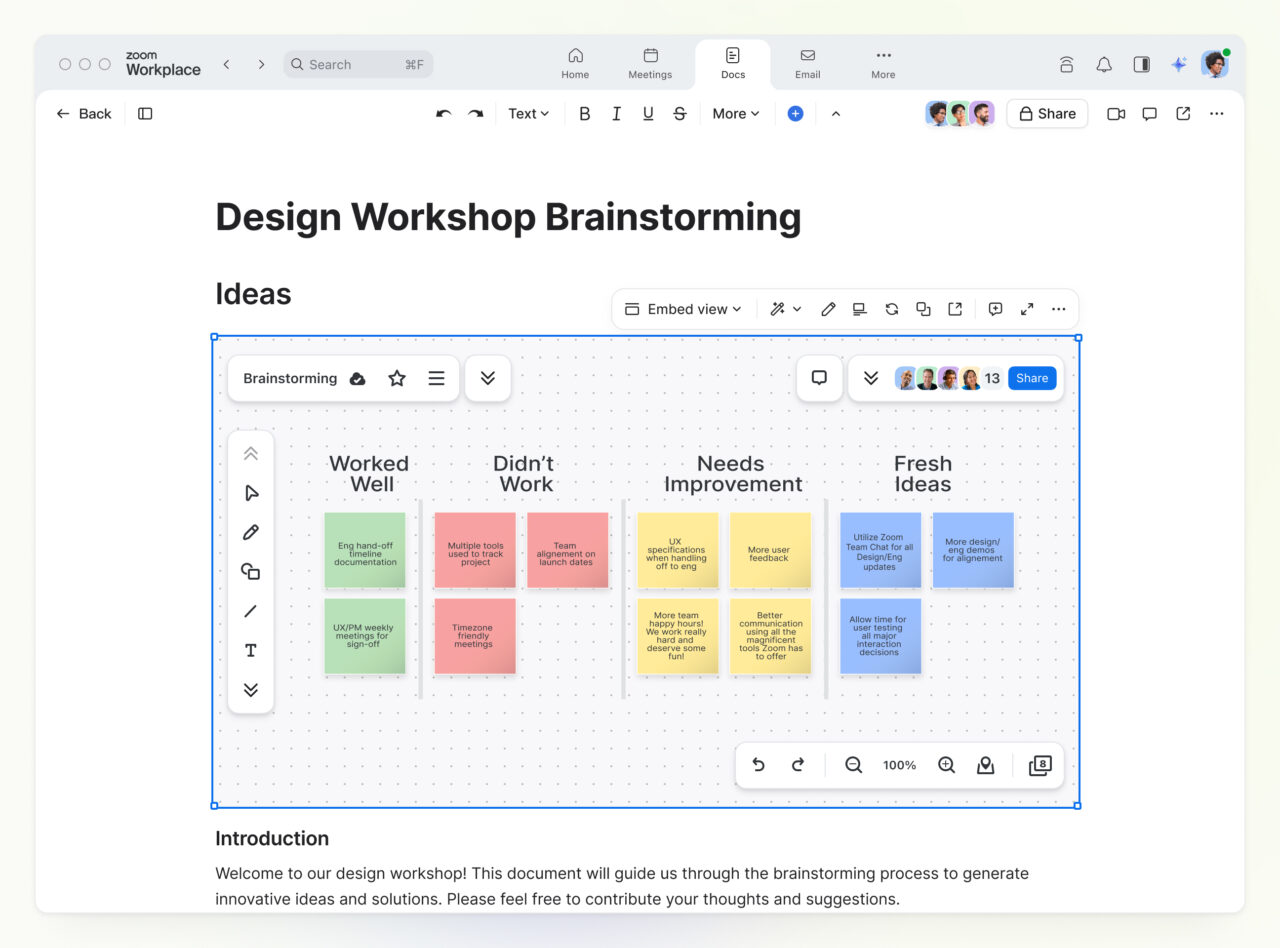
Zoom Docs is built with customizable content blocks. That means you can insert non-text items like images, tables, videos, files, quotes, and even whiteboards. Zoom Docs is a next generation document creator meant for today’s digital world, so it won’t fight you on formatting!

Pro tip

You can ask AI Companion to format your document for you using a template. Choose a template from "Draft with templates" and give AI Companion a prompt. Before you can brew a new cup of coffee, you'll have a fully formatted draft!

Featured products

Keep projects on track

9460d97b-cf45-4510-9c34-9c4c41a899e1

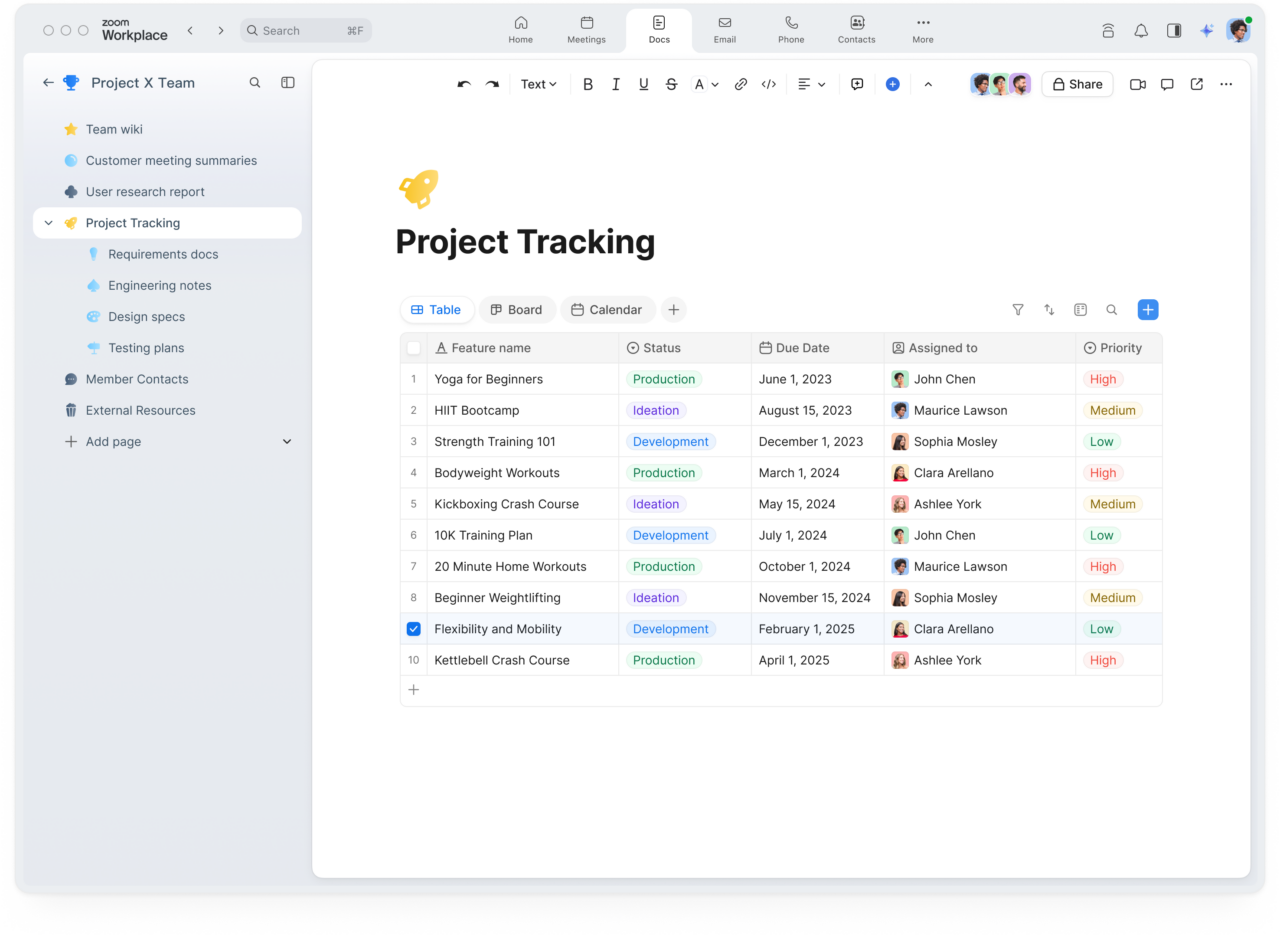
You might be launching a new product, planning a marketing campaign, or tracking company goals. If so, you’ll want to take advantage of our templates. You can find templates for items like roadmaps and OKRs.

Pro tip

The slash command is a powerful shortcut in Zoom Docs. Just hit "/" to pull up a menu. This is a great way to quickly create tables, pull in templates, or summon AI Companion for some help with your draft.

Featured products

Conquer the blank page

16bcb09b-d627-4b82-a093-0e949ac160ee

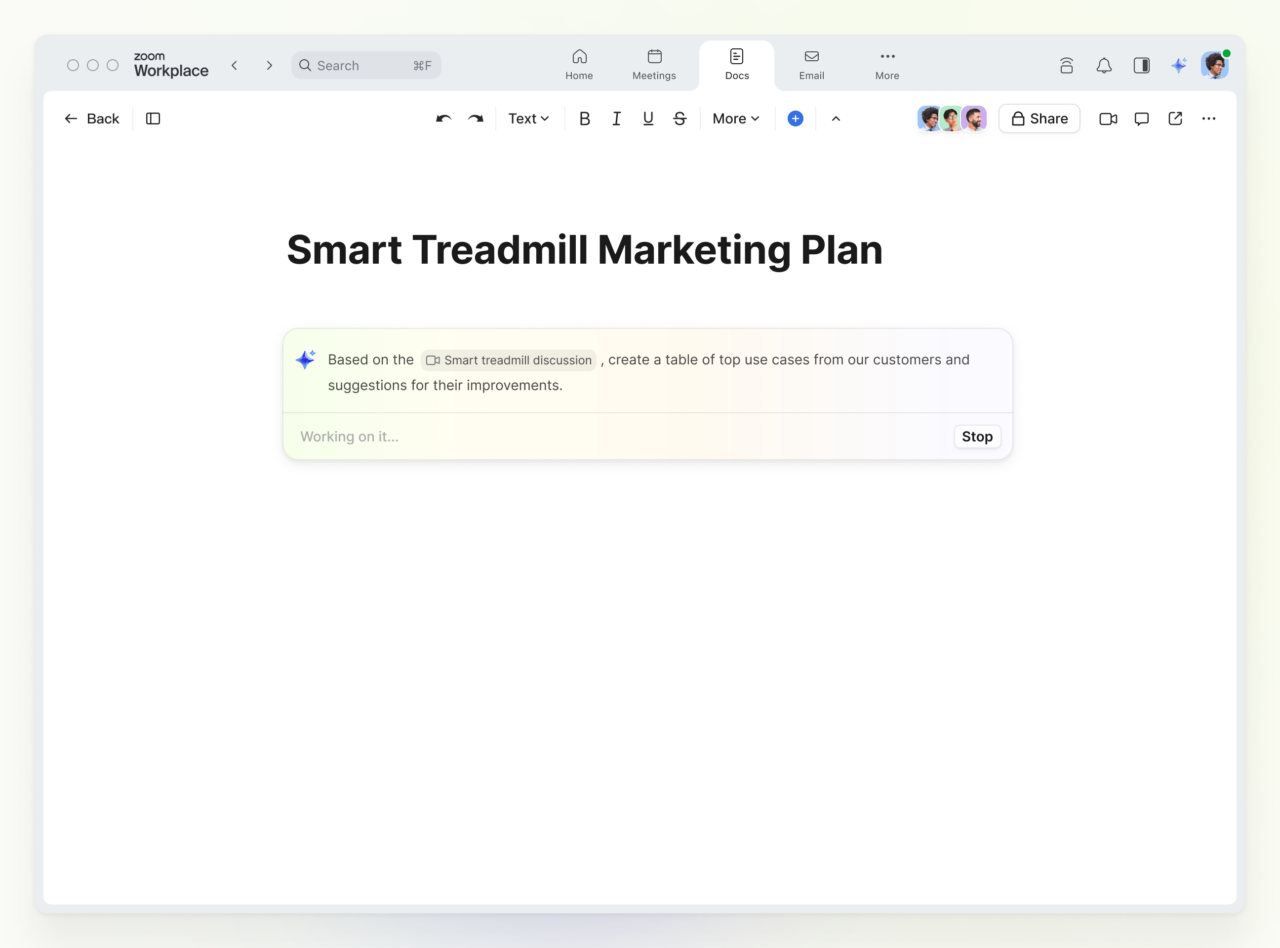
Does writing your first draft feel like pulling teeth? You don’t need to start from scratch if you’re using Zoom Docs. Just prompt AI Companion to begin a draft based on your meeting notes or an existing file. Now, you can jump straight into the editing phase.

Work together

4dbeb376-76ba-49e1-818a-1a04946362f9

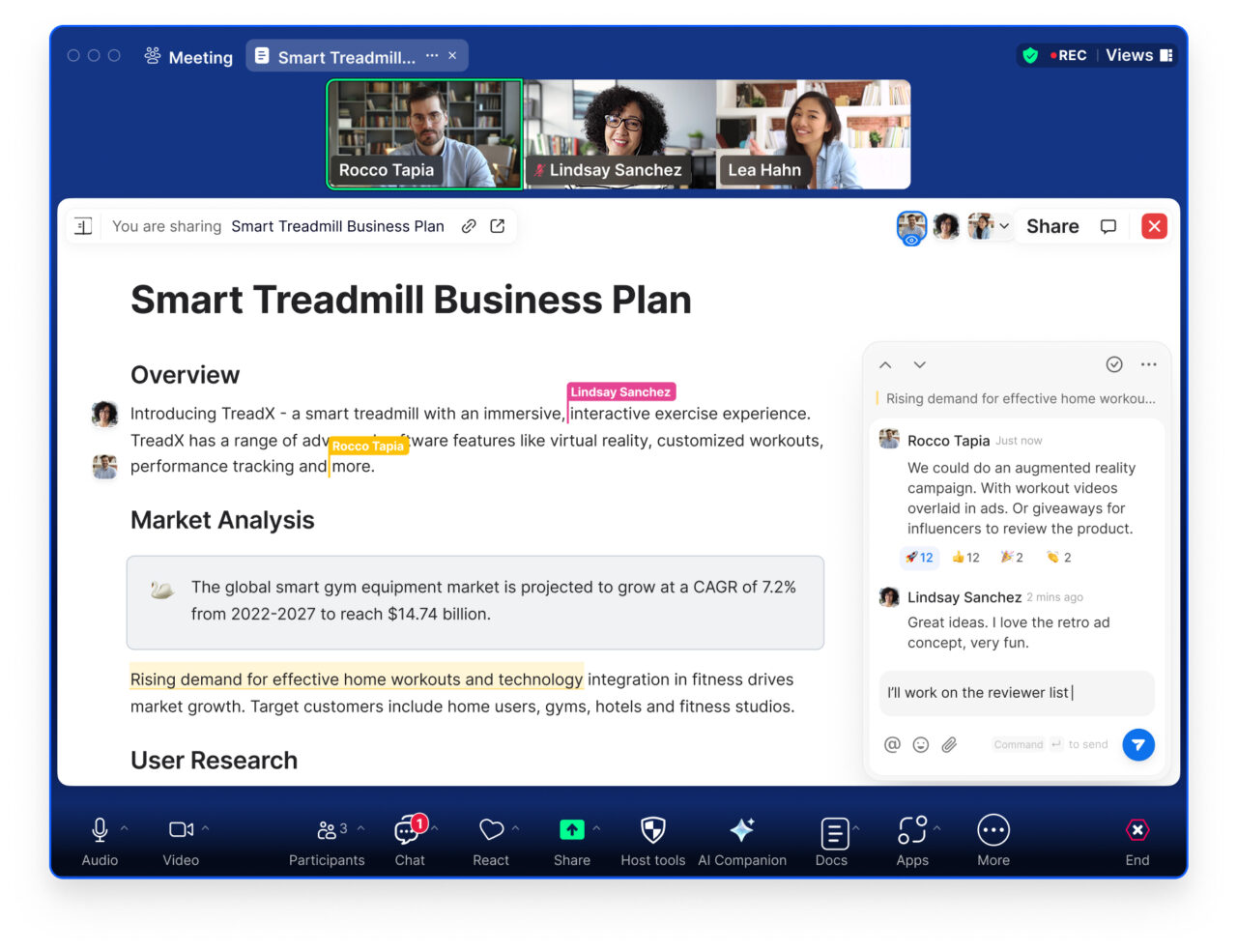
Need some feedback on your document? You don’t even need to screenshare–you can open up your Doc right inside the meeting window. You can give edit access to others for just the duration of the call. That way you can get quick feedback without needing to take dictation.

Pro tip

In your meeting, look for the "Docs" button at the bottom of the toolbar. It might be under "More." This will bring up a list of your recent Docs.

Create a source of truth

e7d434d4-92da-406c-9719-db57502e3dc3

Because Zoom Docs is right inside the Zoom app, it’s the perfect place to keep your team organized. You can create shared folders and designate some for ongoing work, and others for reference documents like your employee handbook.

Pro tip

Wondering what to put in Docs? Think outside the box. You can store a calendar with all your company holidays (just hit "/" to insert a calendar), create dashboards to visualize data, or even ask AI Companion to draft an employee handbook.

Featured products