Story: Zoom for Small and Midsize Businesses
In this story, a small fictional marketing agency leverages a range of products across the Zoom Platform to sign on a major client.
Make it easy for potential clients to get in touch
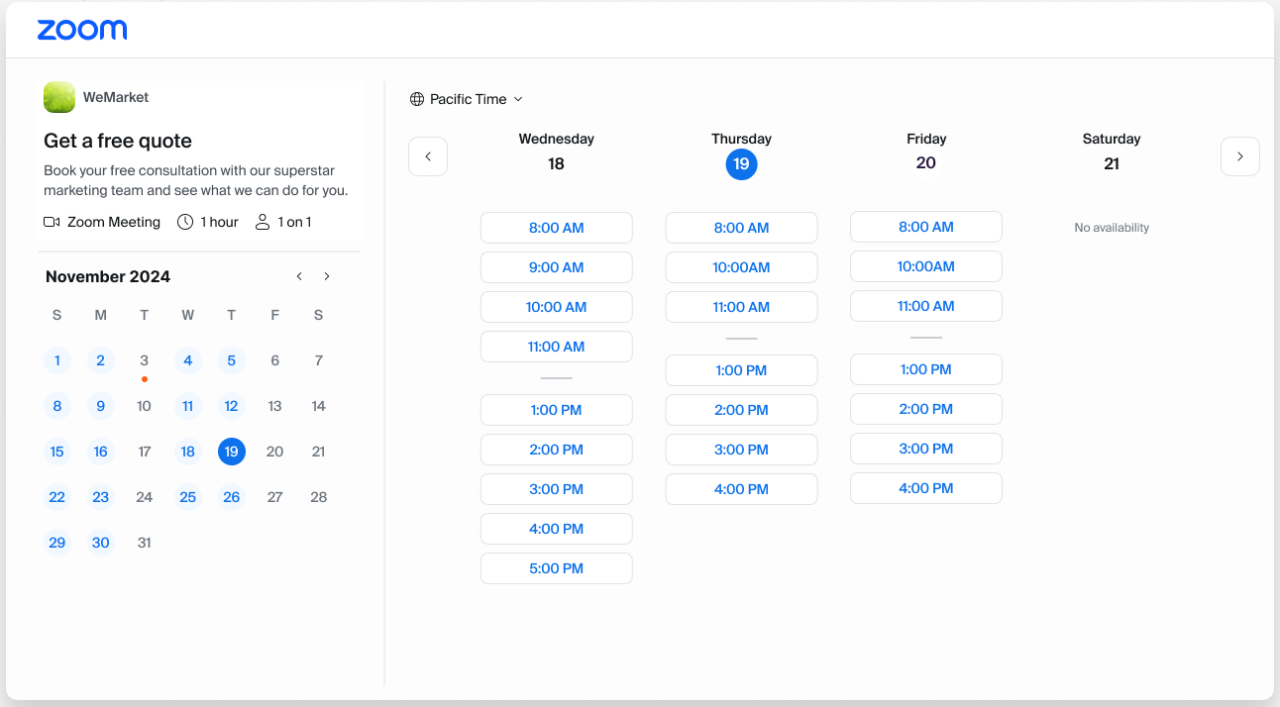
A potential client (Teresa, marketing professional at a national brand) wants to pull together a local activation in AnyCity, USA. She finds WeMarket, a local marketing agency with 15 employees, explores their website, and submits an interest form. When filling out the form, she has the opportunity to schedule an intro call through Zoom Scheduler.
Pro tip
Zoom Scheduler helps you connect with customers faster to book more appointments, drive pipeline, and grow your business.
Featured products
Outfit your office for hybrid collaboration

The intro call is routed to the right team member, Susie. She uses the information from the intake form to do some research. To prep for the call, she collaborates with another team member on a Zoom Room companion whiteboard in their office to ideate.
Pro tip
Zoom Rooms Appliances - like the Neat Board pictured here - are a budget-friendly way to scale your video conference rooms. Learn more
Featured products
Additional resources
Work from anywhere with the Zoom platform
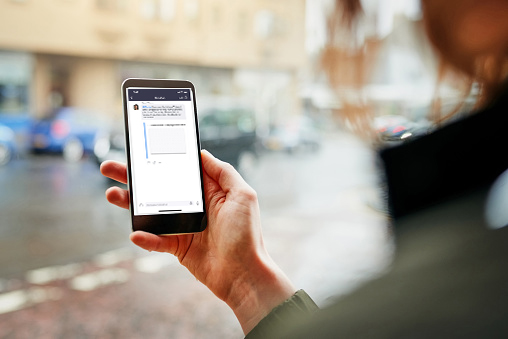
They share the whiteboard and presentation draft to a Team Chat channel so their manager, Greta, can review. She gives them her approval and they are feeling confident for the call with Teresa.
Pro tip
If you have a Zoom Workplace plan, you already have Team Chat - even if you are a Basic (free) user.
Featured products
Make every interaction count with high-quality, reliable video meetings

During the call, Susie is able to present in front of her slides for a more interactive experience. The pitch meeting goes well and the potential client, Teresa, and her team are interested in next steps.
Pro tip
You can share slides as your virtual background by going to Screen Share and selecting “Advanced.”
Improve your client service with intelligent insights
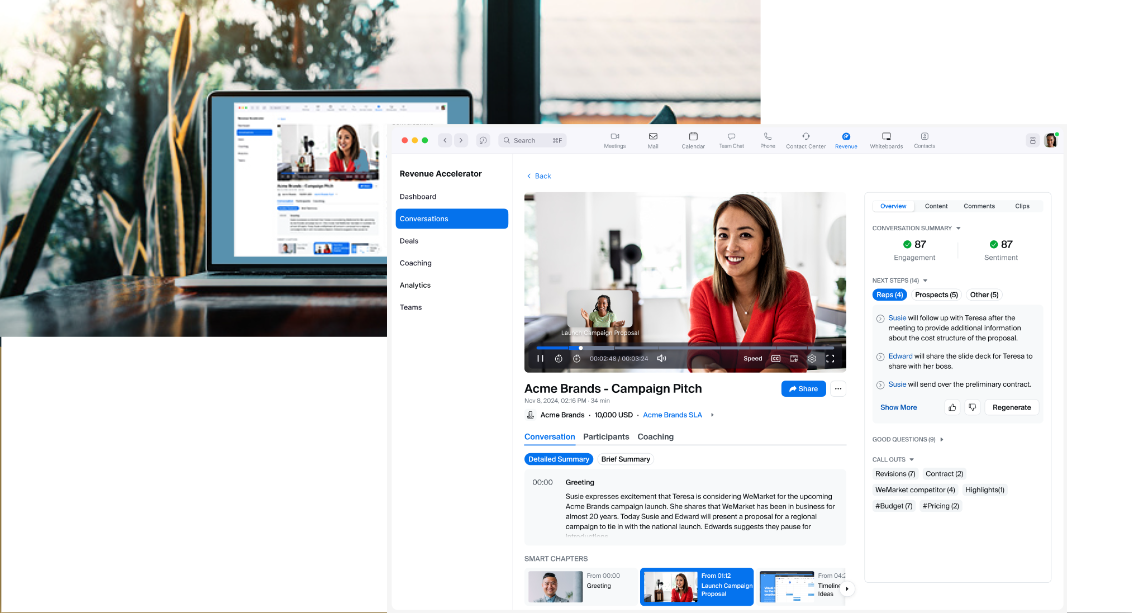
The call was recorded using AI, and Susie gets immediate feedback on how it went + a smart summary she can share with her teammates. There was a question Susie struggled to answer – she snips out a video clip and shares it with her manager, Greta, for feedback.
Pro tip
Zoom Revenue Accelerator isn’t just for sales teams - it helps you see how to improve your pitches, get insight into how your messaging is landing, and so much more.
Featured products
Get a lift from AI Companion
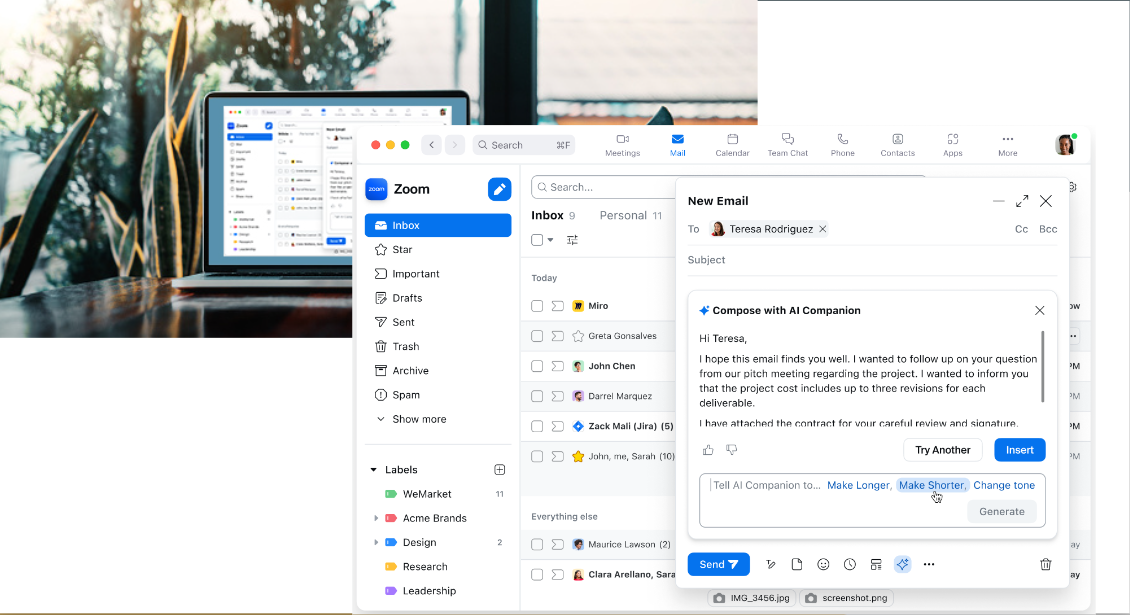
Greta advises Susie to follow up with her potential client, Teresa, over email, to clarify the cost of the project and send over a draft contract. Susie uses Zoom AI Companion to compose a first draft of her email, which she edits before sending.
Pro tip
AI Companion is included at no additional cost with the paid services assigned to your Zoom user account. (May not be available for all regions or industry verticals.)
Uplevel conversations in real time

Teresa calls Susie on the number in her email signature and Susie picks up her call using Zoom Phone on the Zoom mobile app. Teresa wants to go through the terms of the contract. Susie transfers the discussion to a Zoom Meeting with screen sharing so they can discuss and revise the contract in real time. Teresa gets her questions answered and signs the contract.
Pro tip
It’s easy to uplevel a call to a meeting. While on your call, just click or tap Meet in Zoom Phone on your Zoom mobile app using the in-call controls.
Easily add external participants on Zoom Team Chat
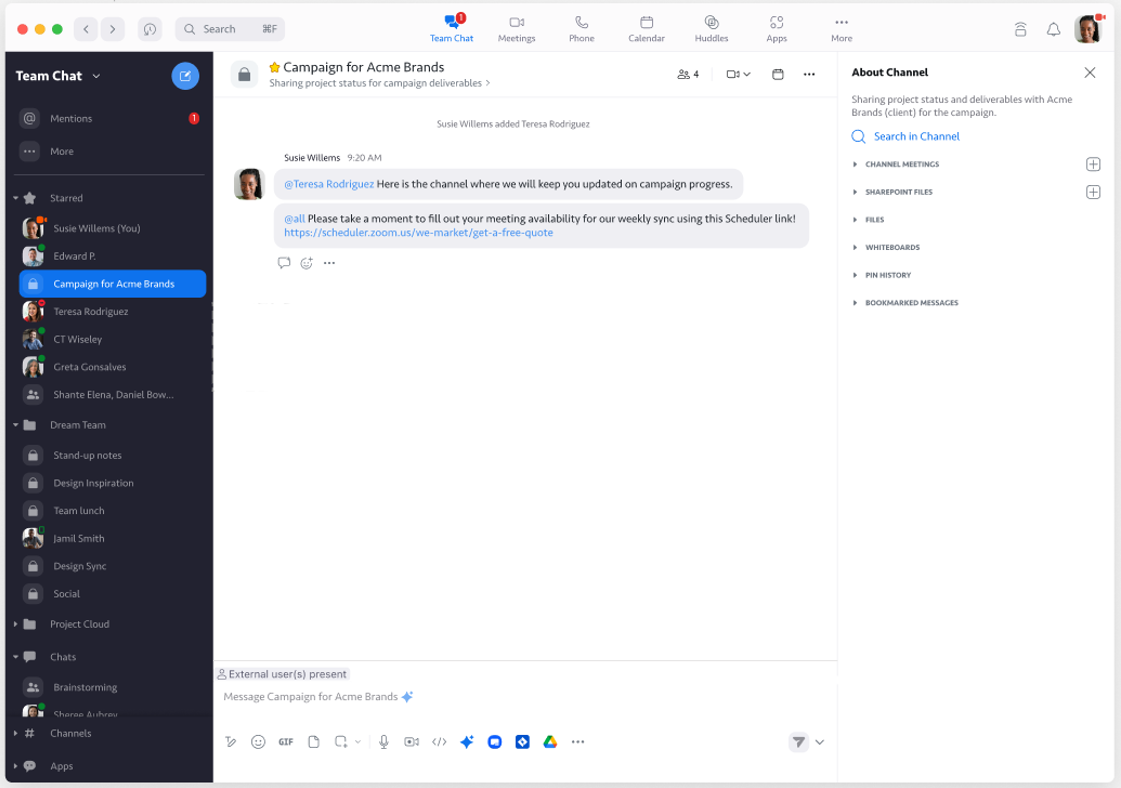
To keep Teresa up to date, Susie creates a chat channel and includes a Zoom Scheduler link. Now they can easily communicate and align schedules for a kickoff call and weekly meeting to execute the marketing plan.
Pro tip
If you have a Zoom Workplace plan, you already have a robust chat solution - even if you are a Basic (free) user.
Featured products
Additional resources
Tour Summary
Featured Products
All resources
Additional Resources
Blog resources
Ready to take your business to the next level?
See which Zoom bundle might be right for you!
