Virtual coworking spaces designed to foster inclusive discussions
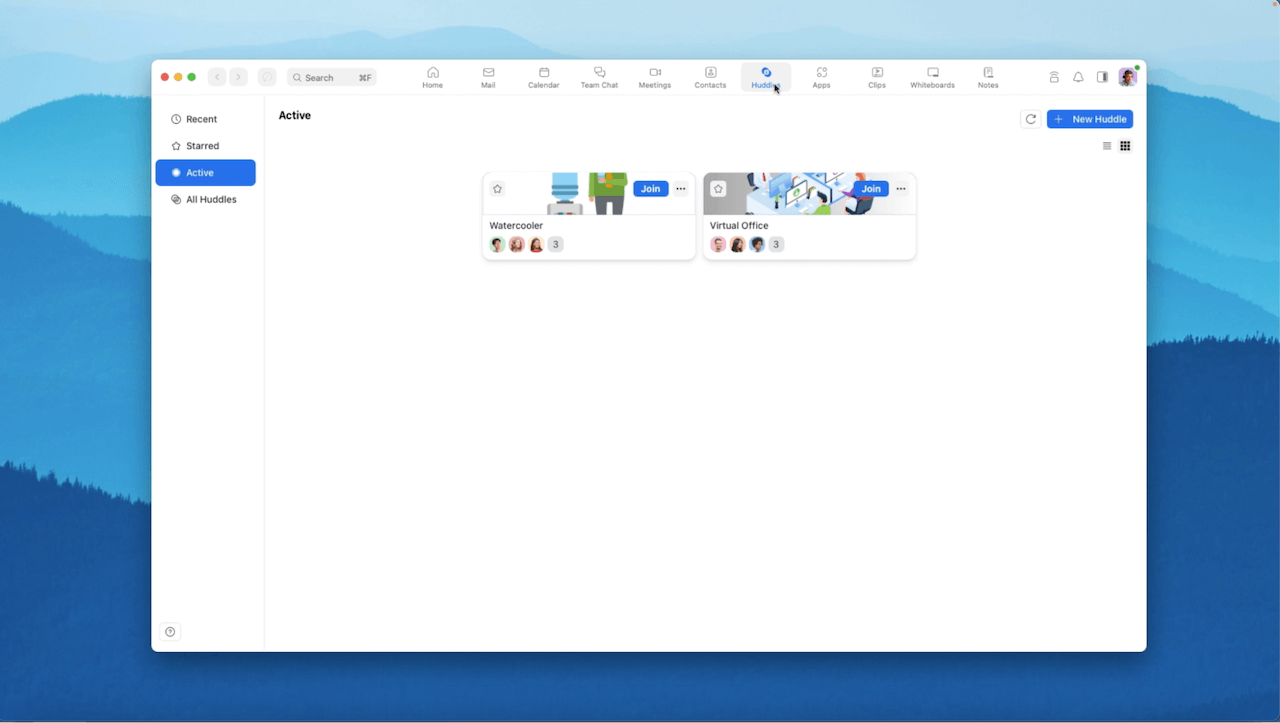
Zoom Huddles helps teams stay connected throughout the day across tasks. In between scheduled meetings, team members can use Zoom Huddles to choose to be available for fluid discussions. Huddles can be customized for teams or topics of interest, and anyone can join a huddle.
Pro tip
Huddles supports Live Transcription.
Featured products
Additional resources
How to join a huddle or conversation
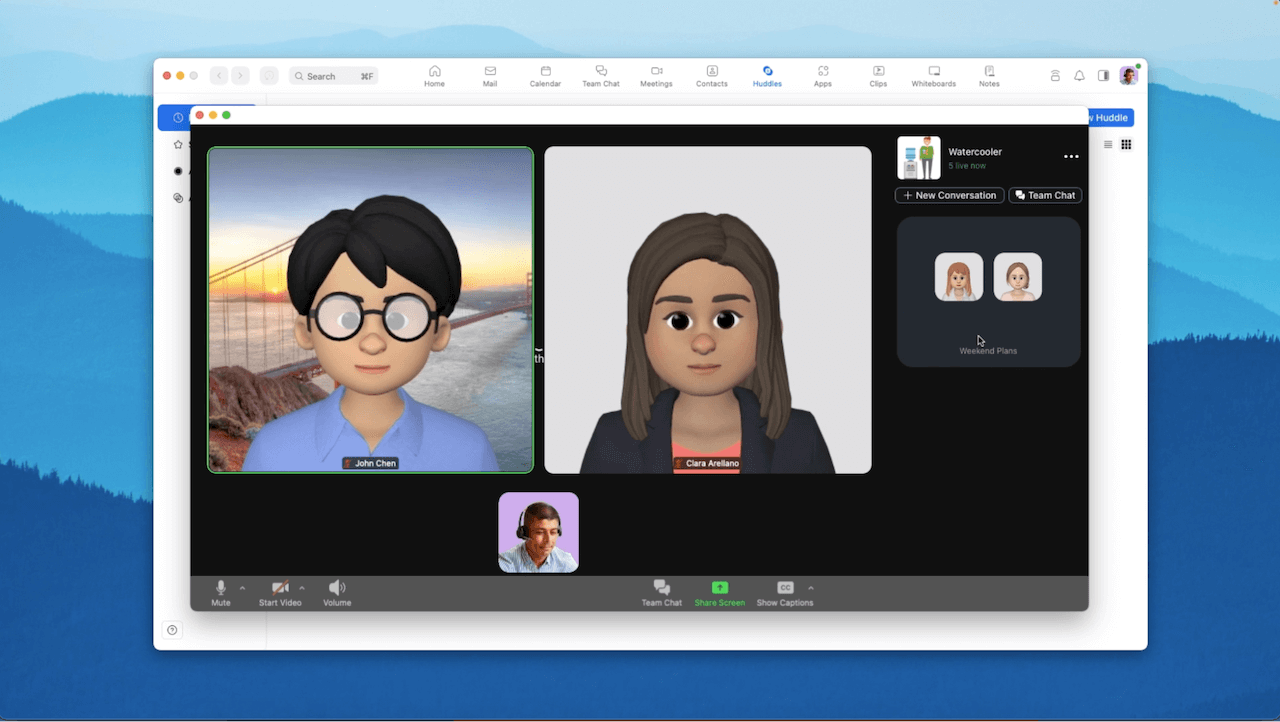
Joining a huddle leads to the Lobby, where users enter and navigate from to join or start a conversation of their own. These conversations are created and customized by anyone based on needs, hour by hour. From the Lobby, you can see a conversation in action, but you must join the conversation to hear it.
Featured products
Invite others to join the conversation
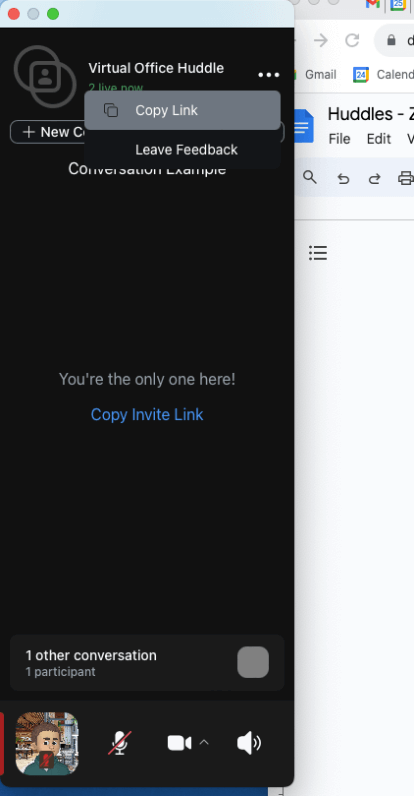
You can share a link to a new or existing Huddle Conversation with others to invite them to join.
Featured products
Work alongside colleagues with minimized sidebar
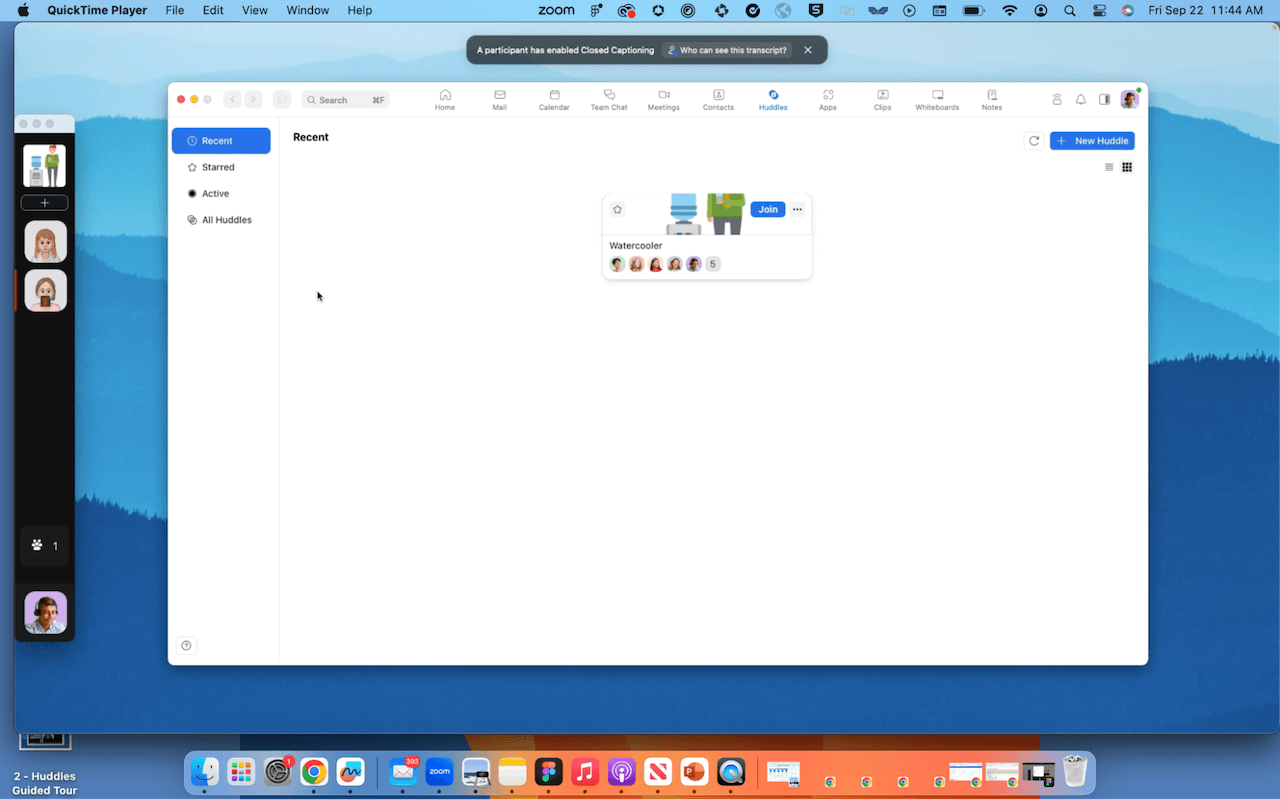
Zoom Huddles is different from a formal Zoom Meeting. To work alongside a colleague, stay connected yet focused by minimizing Zoom Huddles to a sidebar view.
Featured products
Work together with screen share
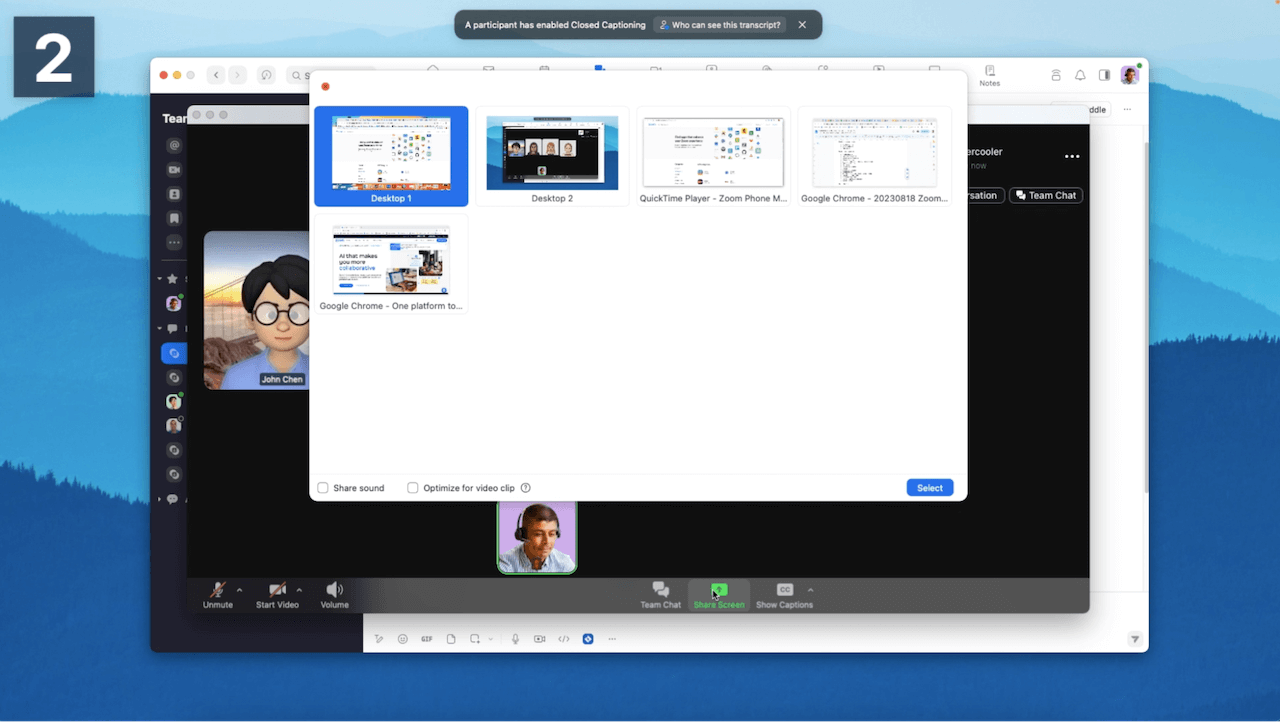
Or collaborate live. Any user – or multiple users – can also start and view screen shares at the same time.
Featured products
Stay connected asynchronously with team chats for every huddle
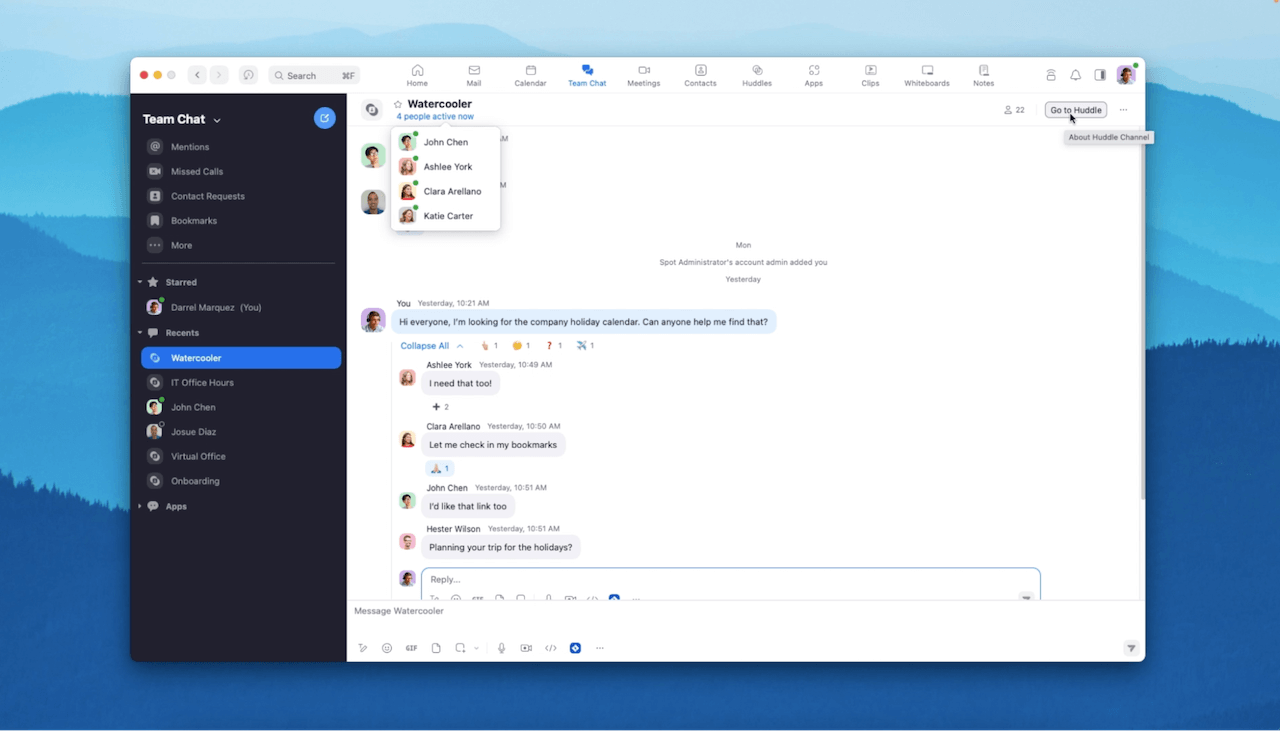
When created, every huddle also creates a huddle chat in Zoom Team Chat. This helps colleagues stay connected both synchronously and asynchronously, and makes it easy to jump into an active huddle at will.
Join a huddle from a profile card
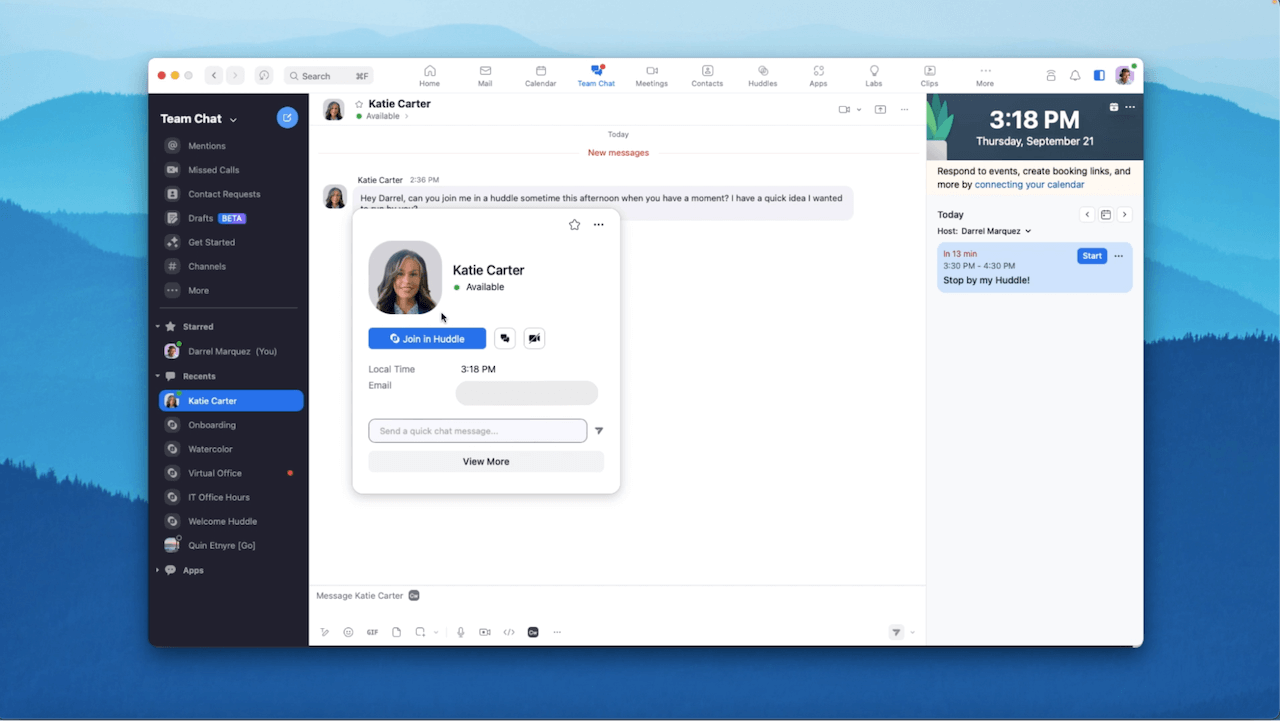
If you’re chatting with someone, hover over their profile picture to see their status. If they are in a huddle, you can click “Join in Huddle” to connect with them immediately without having to find which huddle they’re in.
Control audio and video in a huddle
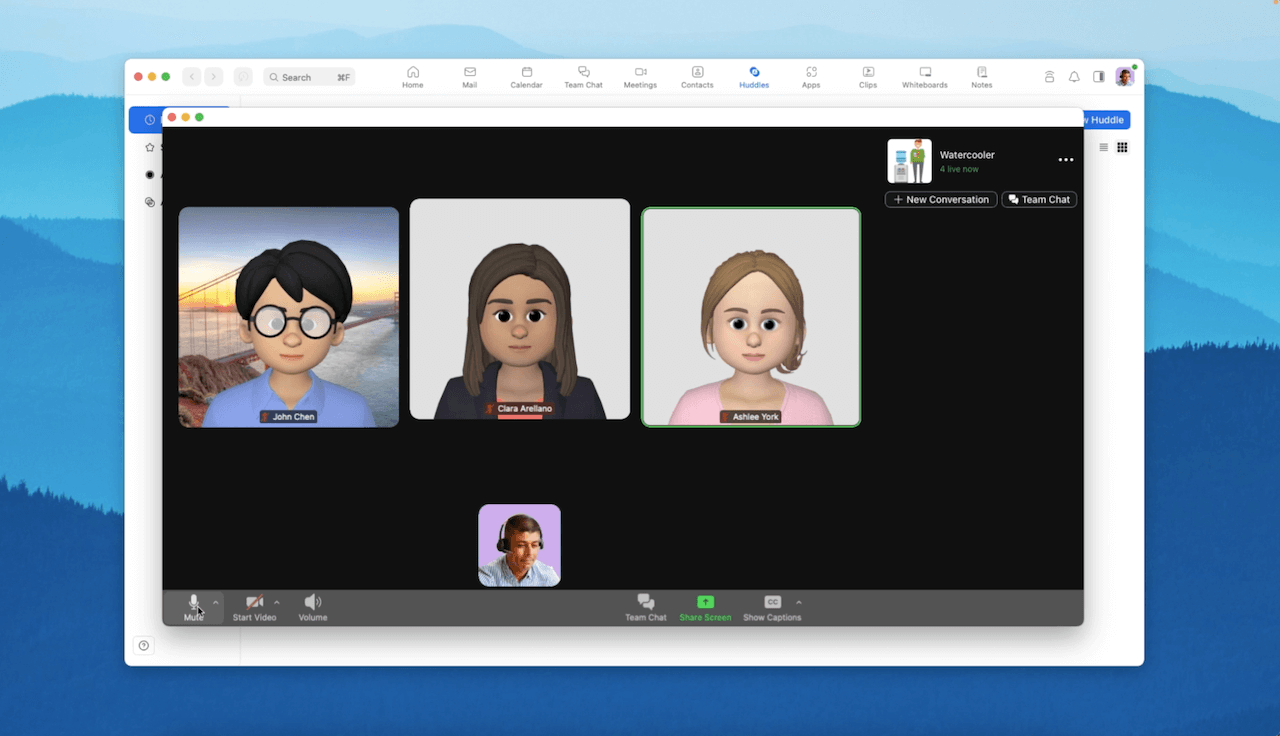
You can always toggle your video or audio off while using Zoom Huddles. Or, choose a Zoom Avatar.
Tour Summary
All resources
Blog resources
Ready to take your communication and collaboration to the next level?
Sign up for a demo today!
